 Blackwater Macros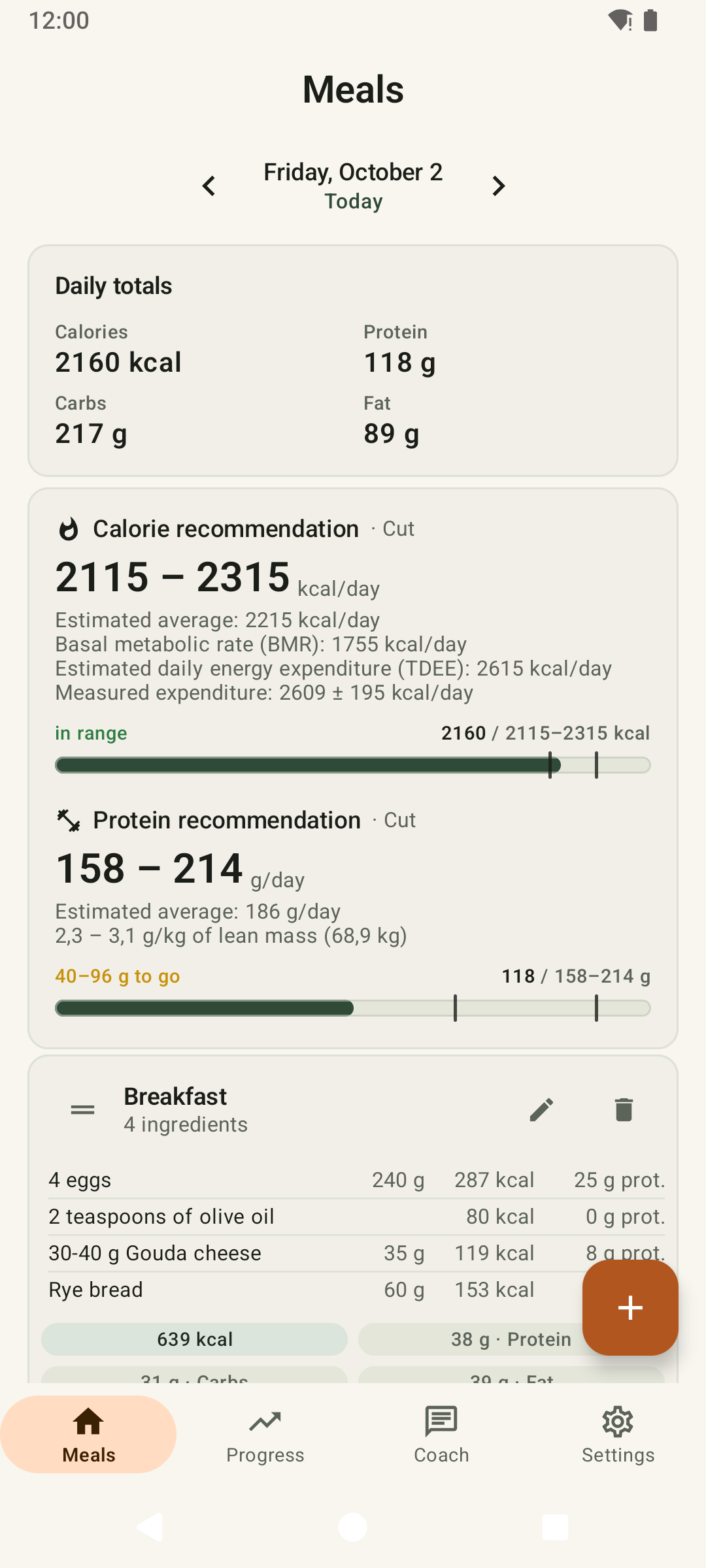
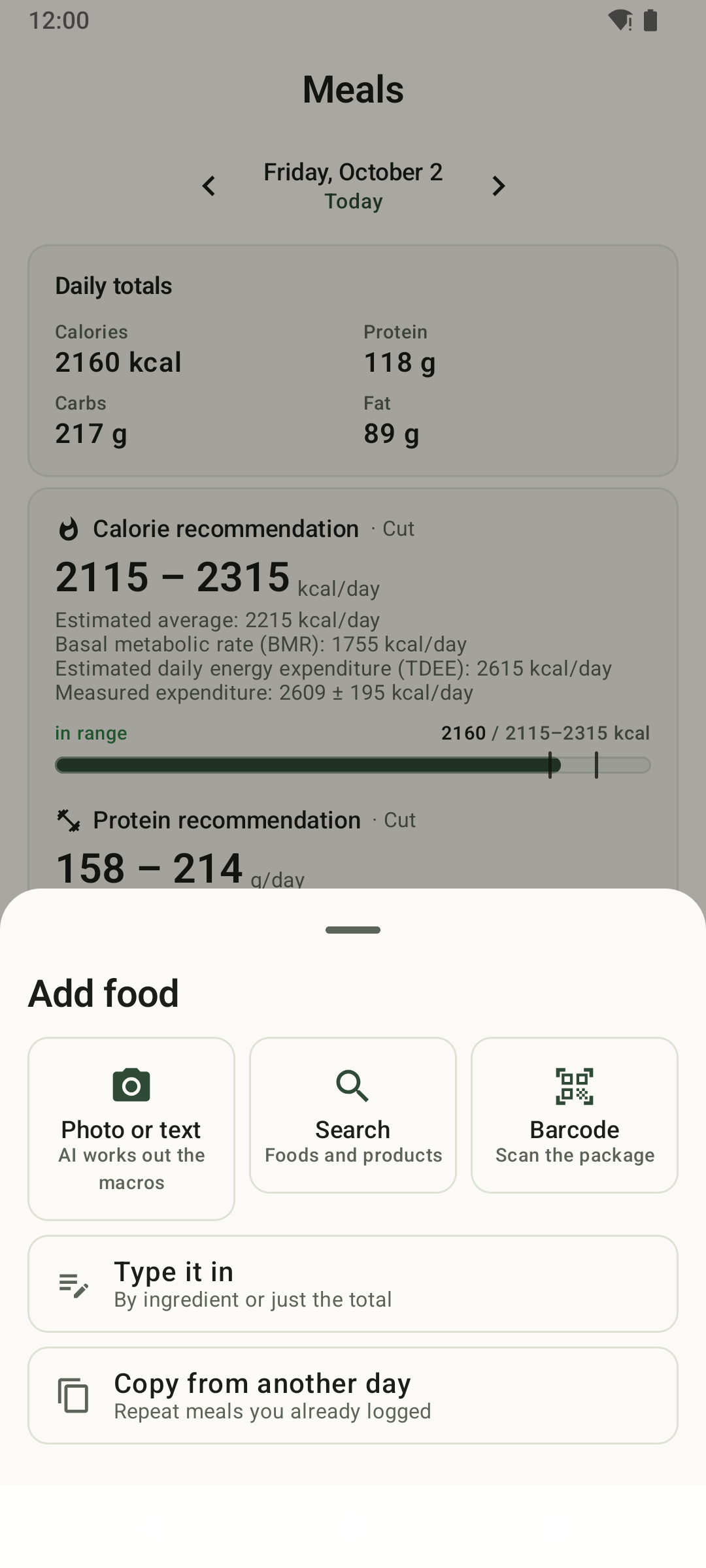
Add food by photo, text, search or barcode.
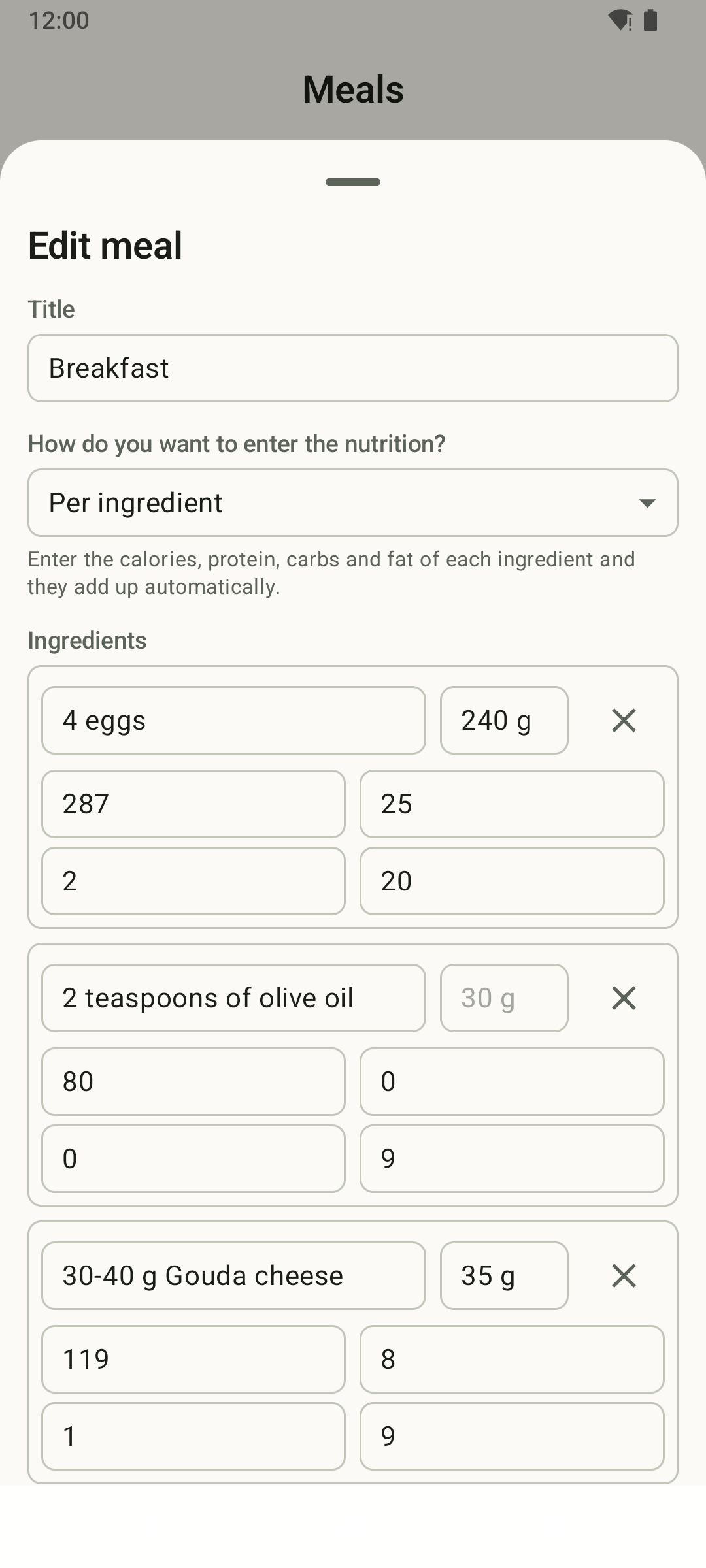
Review every ingredient before saving.
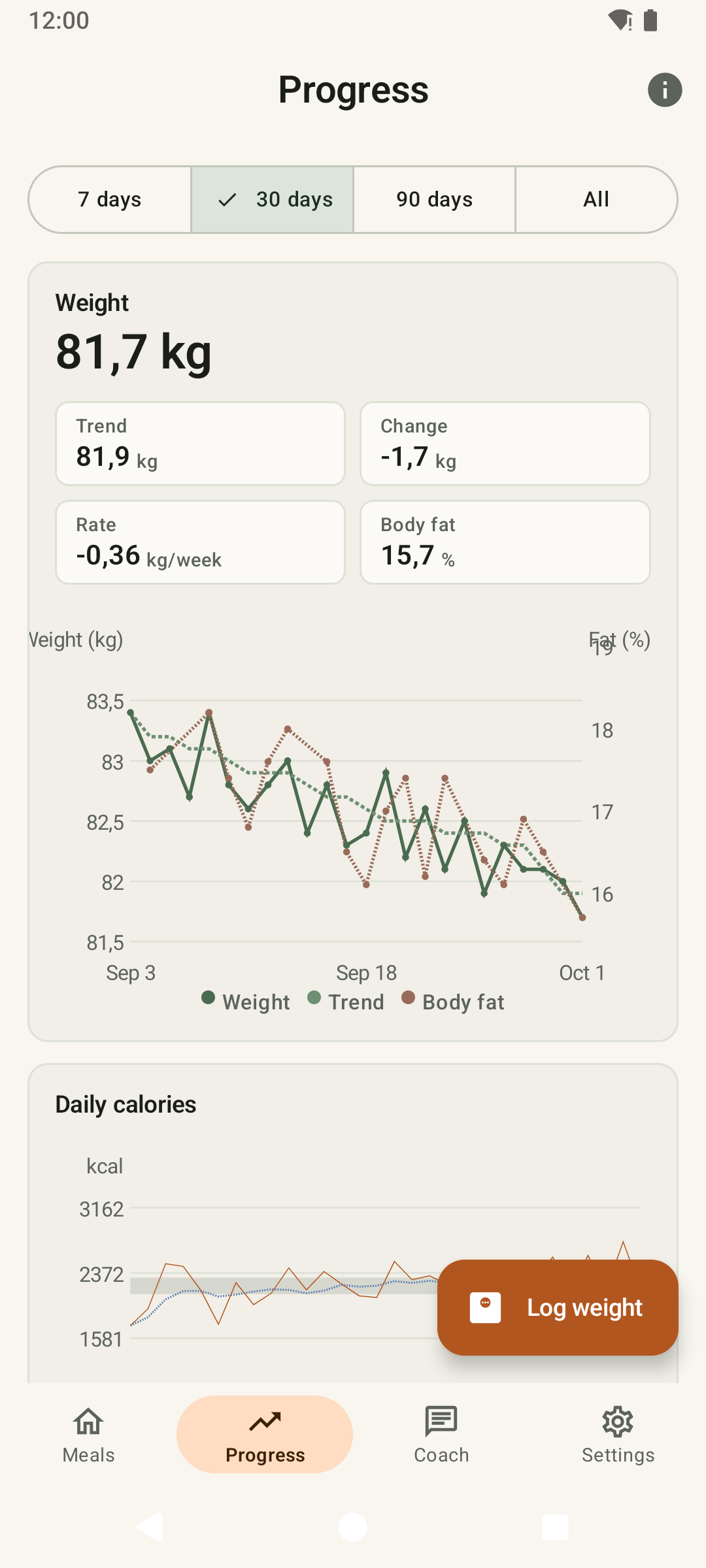
Your weight trend, without the daily noise.
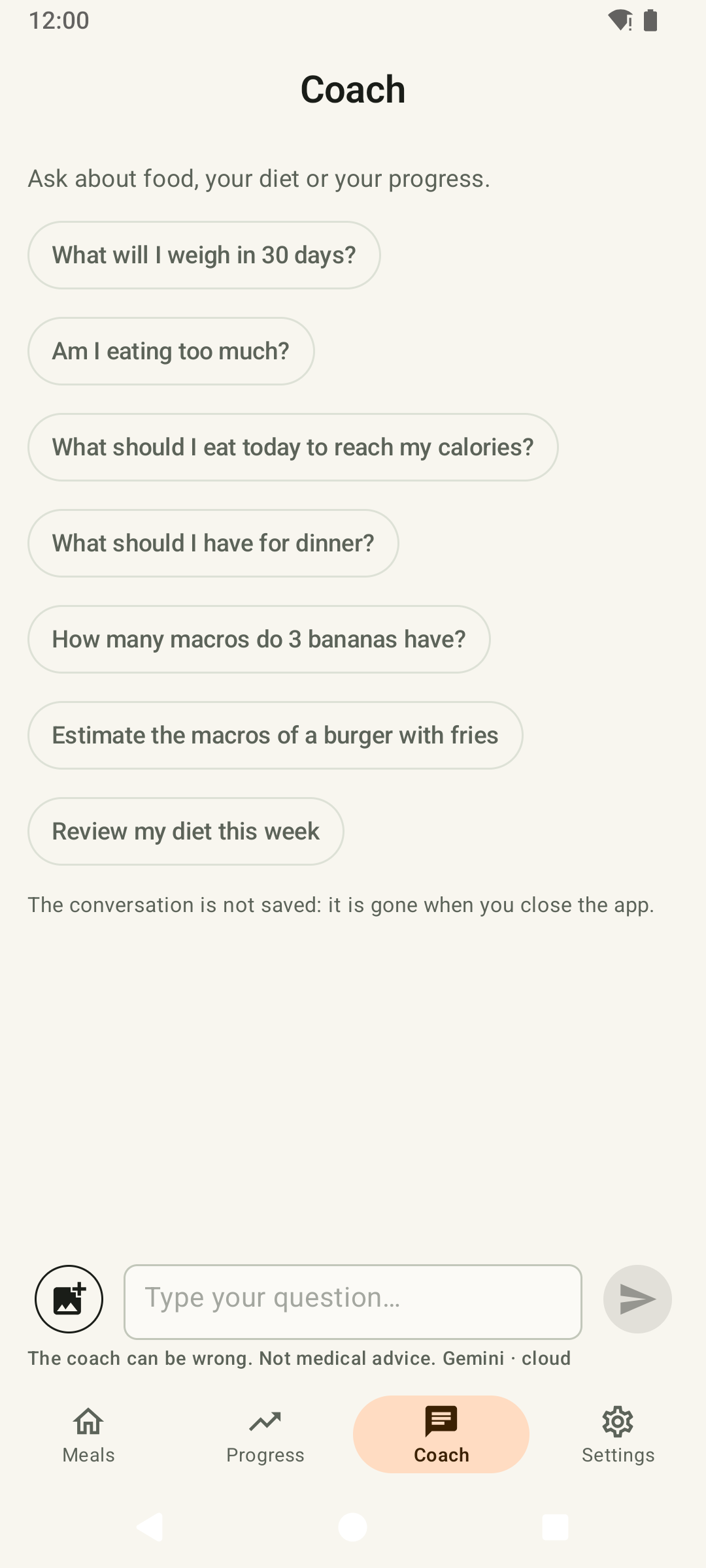
Ask the coach about your numbers.
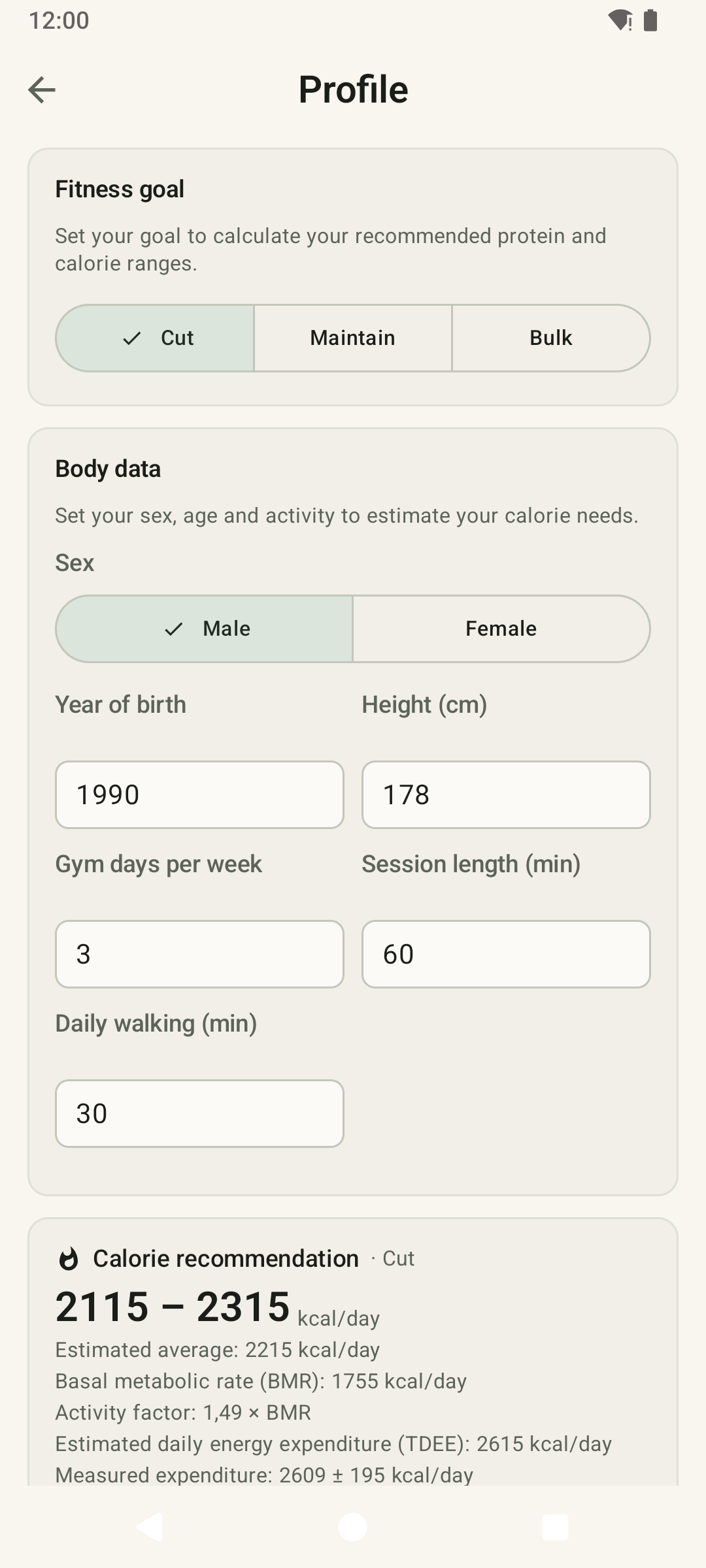
Targets from your real activity.
What it does
It tracks calories, protein, carbs and fat, and your weight. No streaks, badges, social feed, step counter or recipe library.
- Log a meal in seconds
- Search everyday foods offline or millions of products on Open Food Facts, scan a barcode, type it in, or photograph it and let AI estimate it. Copy meals from another day or save your usual ones as templates.
- Know your targets
- A calorie range and a protein range for losing fat, maintaining or building muscle, with the day's progress.
- See your progress
- A weight trend that smooths out water swings, your weekly rate, body fat, and daily calories against your target.
- Past days stay as they were
- Changing your activity, goal or weight counts from today. Last week is judged with last week's profile.
- Five languages
- English, Spanish, French, Italian and German.
Science you can check
Your targets come from published methods used in nutrition research and by sports dietitians, not from rules of thumb. The app explains every formula, its sources and its limits, with your own numbers, so you can redo any of them by hand.
-
Your basal rate
The Mifflin-St Jeor equation, the most accurate of the common formulas for healthy adults.
10 × weight (kg) + 6.25 × height (cm) − 5 × age + 5 (−161 instead of +5 for women)
-
What you actually do
No "lightly active" guess. You enter your gym days, how long a session lasts and how much you walk, and the FAO/WHO factorial method turns the hours of your day into an activity factor.
-
A range for your goal
About 400 kcal a day under your expenditure to lose fat, within 100 to maintain, 300 over to build muscle, and never below your basal rate. Protein from sports-nutrition research: 1.4 to 2.0 g per kg to maintain, 1.6 to 2.2 to build muscle, more while cutting, counted on your lean mass when you log body fat.
-
Checked against your own data
After about four weeks, what you ate and how your weight moved give your measured expenditure, with its margin of error. If it's clearly off from what your profile predicts, the app tells you and shows why. Your target never changes on its own.
On your phone and in the browser
- The Android app
- Works fully without an account: open it and start logging. Everything is stored on the phone, even offline.
- The web version
- The same app in any browser, with an account. Accounts are by invitation for now. To look around first, explore the demo with sample data, no account needed.
- Both, with an account
- Log in on the phone too and your meals, weight and templates stay in sync, with a backup on the server.
Private by design
No sign-up, no ads, no analytics, no Google services. Your data lives on your phone, and you can export it as CSV whenever you like.
The app only goes online when you ask for something:
| When you | It contacts |
|---|---|
| search a product or scan a barcode | Open Food Facts |
| use AI with your own key | the provider you chose |
| download a model to run AI on the phone | Hugging Face |
| open the list of phone models | GitHub |
| installed it from this page (once a day, to check for a new version) | GitHub |
AI is optional. Bring a key for Gemini, OpenAI, Anthropic or OpenRouter, or run Gemma or Qwen on the phone itself so nothing leaves the device.
Questions
Should I install from F-Droid or from this page?
Either one. F-Droid builds the app from the source code and updates it for you. The APK on this page is built by GitHub from the same code, and the app tells you when a new version is out. They are signed with different keys, so to switch from one to the other you uninstall first. Sync your account or export your data before you do.
How do I update the APK?
When a new version is out, the app shows a notice on the Meals screen. Tap Download, open the file, and Android installs it over the old one. Your data stays.
How do I know the download is genuine?
Every release on GitHub comes with a SHA-256 checksum next to the APK. The app's signing certificate has this SHA-256 fingerprint:
5A:40:F5:04:F1:DE:1F:56:20:73:1A:EC:77:A6:55:74:B5:AC:D4:09:CA:47:8B:9D:CA:0B:3C:0B:A9:4F:C9:18
Do I need an account?
Not on Android: the app works fully without one. The web version needs an account, and accounts are by invitation for now. With an account, the phone and the web version stay in sync.
Why the name?
After Opeth's album Blackwater Park. The plate in the logo weighs 20 kg.